The field fills out paper, the office re-keys it.
A crew writes the job up on a clipboard, drives it back, and someone types it into the system that night. Two chances to lose it, and a full day's delay before anyone can see it.
We build mobile apps that serve the operation: the crew in the field, the driver in the truck, the tech on a job, capturing photos, signatures, and status where the work happens and syncing it into the systems you already run. Where a responsive web app or a PWA would do the job for less, we'll say so before you pay to build native.
A crew writes the job up on a clipboard, drives it back, and someone types it into the system that night. Two chances to lose it, and a full day's delay before anyone can see it.
The proof the job got done, the before-and-after photo, the customer's signature, sits in someone's messages instead of on the record where billing and the office can find it.
The driver phones in to ask what's next, where it is, and whether the part shipped. All of it already lives in a system they can't reach from the truck.
Every inspection is filled out on paper, keyed into a spreadsheet back at the desk, then filed somewhere nobody can search when a question comes up six months later.
A customer or an exec asks for an app, and nobody can say what it would actually do. We help you answer that honestly, including when the answer is that you don't need one.
Warehouses, basements, and remote sites are exactly where connectivity drops, and a tool that freezes the moment the bars disappear is a tool the crew stops trusting.
Not an app for its own sake. We decide honestly whether you even need one, then build for the conditions the work really happens in and connect it to the systems you already run, so the field and the office finally see the same thing.
Before we talk about building an app, we ask whether you need one. A responsive web app or a PWA installs to the home screen, sends notifications, and skips the app stores, and for a lot of business tools it's cheaper and ships sooner. When the job genuinely needs the phone, its hardware, real offline, a store presence, that's when native or cross-platform earns its place.
A web build is usually the smaller invoice, and we'll still recommend it when that's the honest answer.
Field apps live on real phones in real conditions: gloves on, sun on the screen, no signal. We build for that. Offline-first so the tool keeps working in a dead zone and syncs when it's back, the camera, GPS, and barcode scanner wired in, signature capture on the glass, and buttons big enough to hit without taking a glove off.
The interface is shaped for someone standing at a loading dock, not sitting at a desk, so the crew actually uses it instead of going back to paper.
An app that doesn't talk to your systems is just a nicer clipboard. We connect it to the ERP, the CRM, and dispatch so the office sees the field in real time: a job closed on a phone updates the record, triggers the invoice, and moves the next one, with nobody re-keying anything.
Data is entered once, at the source, by the person who did the work, and it's in your systems before they're back in the truck.
When the app belongs in the stores, we handle submission and the review back-and-forth, and we set up the developer accounts in your name. Then we keep it alive: Apple and Google churn their OS and store rules every year, and a maintained app rides that out while a neglected one gets pulled.
Support runs as a contract or as-needed. Either way the code, the store accounts, and the documentation are yours, built so any competent engineer can carry them.
Half the time a responsive web app or a PWA does the job for less, with no app-store friction and less to maintain. When that's the honest answer it's our recommendation, even though it's usually the smaller invoice.
The team has built and run consumer products at real volume: a podcast platform at 32 million monthly users and a consumer safety-network product. Swift and Flutter are in the stack we ship on.
A defined build is a fixed quote you approve before we start, and changes are quoted, never quietly billed. When the scope is still being discovered we work hourly against a cap you set, then convert to a fixed quote once it's known. Store fees and maintenance are laid out up front, not sprung later.
The code, the developer accounts, the listings, and the documentation are in your name from day one, built for any competent engineer to maintain. Nothing is held hostage, and nothing stops working if we part ways.
We start by asking whether it needs to be an app at all. A responsive web app or a PWA runs in the browser, installs to the home screen, sends notifications, and skips the app stores entirely, and for a lot of business tools that's cheaper, ships sooner, and has nothing to lose. When the job genuinely needs the phone itself, the camera, GPS, barcode scanning, reliable offline, or a real store presence, we build native in Swift for a single platform, or cross-platform in Flutter when one codebase should serve both iOS and Android. We make that call on the intro call, before anyone's paying to build the wrong thing.
For a defined build it's a fixed quote, given after the free intro call and locked before we start. We don't publish a number because a single field-capture tool and a customer-facing product on two platforms aren't the same job. When a flat rate doesn't make sense, because the scope is still being discovered or the work is genuinely exploratory, we work hourly against a cap you approve and move to a fixed quote once the ground is known. Store fees and the ongoing maintenance every app needs are laid out up front, not sprung on you later. You approve scope and price before work starts, changes are quoted, and there's no open-ended billing.
Only if the app needs to be. A web app or a PWA skips the stores completely: no review queue, no platform cut, no waiting on Apple to approve an update. When you do belong in the App Store or Play Store, a consumer app, or one you want people to find and install the normal way, we handle submission, the review back-and-forth, and the store setup. The developer accounts and the listings are registered in your name and your company's, not ours. You own the store presence the same way you own the code.
Mobile isn't build-it-once. Apple and Google ship new OS versions every year, retire APIs, and change store rules, and an app nobody maintains starts throwing warnings and eventually gets pulled. We're honest about that before you commit: a native or cross-platform app carries an ongoing maintenance line, and we size it with you rather than pretend it's zero. It runs as a support contract or as-needed, your call. A web app or a PWA carries far less of this, which is one more reason we raise the web option first when it fits.
Yes, and for field work it has to. We build offline-first when the job calls for it: the app holds its data on the device, keeps working in a dead zone (a warehouse, a basement, a job site out past coverage), and syncs the moment a connection comes back, with conflicts handled so nothing gets silently overwritten. The crew never has to think about whether they have bars. This is exactly the kind of thing a plain browser tab handles badly, and where a native or cross-platform build earns its cost.
Thirty minutes over Google Meet, no prep. Walk us through how the job gets done in the field and where the paper piles up, and we'll tell you what's worth putting on a phone, whether a web app would do it for less, and where we'd start.
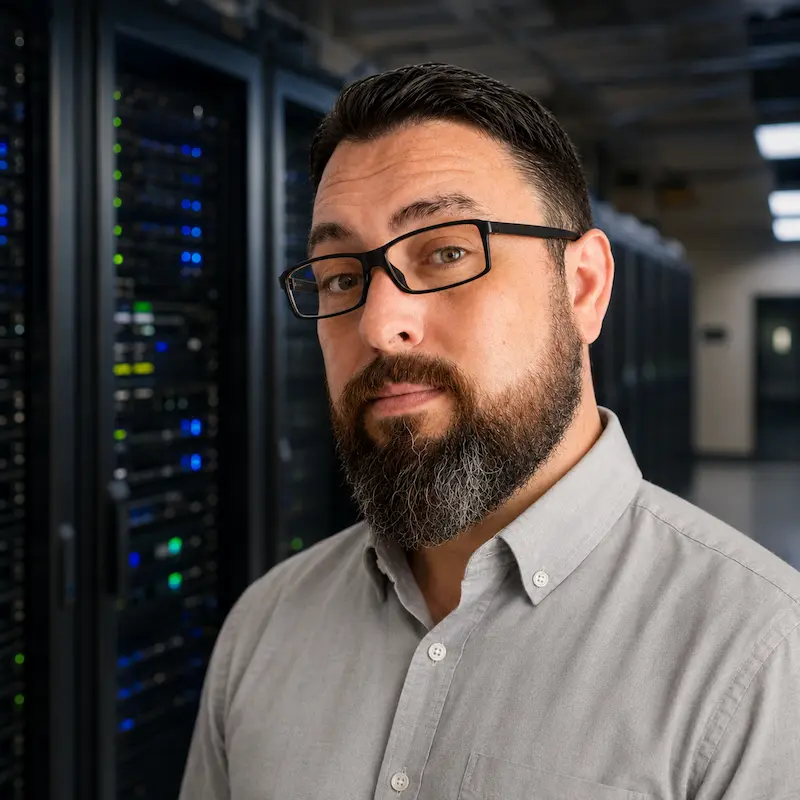
Book straight onto Chris's calendar. No sales rep and nothing to prepare: you talk with the engineer who would actually scope the work.