The same data, keyed twice.
An order lands in email, gets typed into the CRM, then typed again into accounting. Three chances to fumble a number, every single time.
The report someone rebuilds every Friday, the invoices typed from PDF into the ERP, the inbox that eats half a person's day. We find that work and automate it into the systems you already run, writing custom code where the integration doesn't exist yet. The hours go back to the people you hired to think.
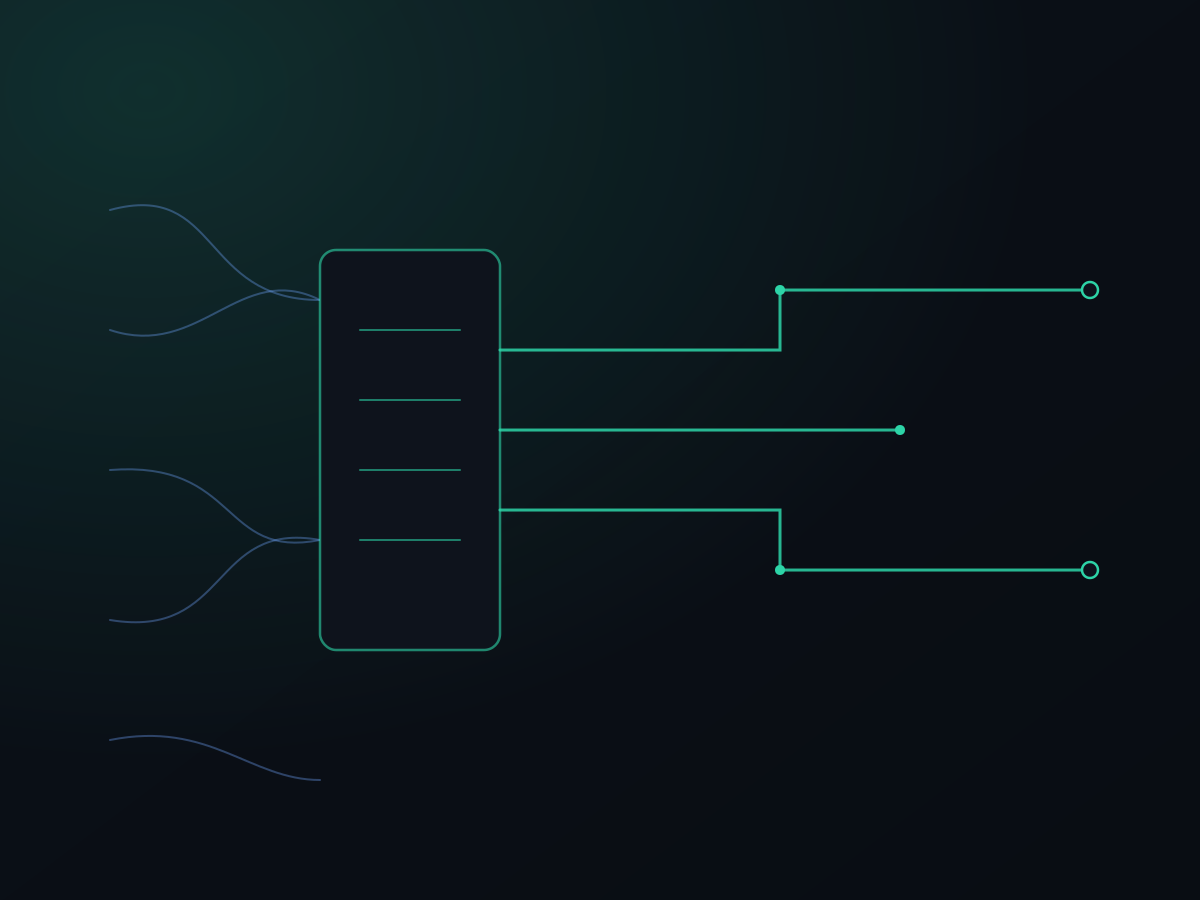
An order lands in email, gets typed into the CRM, then typed again into accounting. Three chances to fumble a number, every single time.
Someone exports four spreadsheets, pastes them together, and rebuilds the same dashboard by hand, every week, forever.
Bills arrive as PDFs and get read line by line into the ERP. Match, code, key, repeat, until a digit slips and reconciliation eats a morning.
Requests, approvals, and status questions pile up in one person's inbox. When they're out, the work stops.
Your storefront and your accounting don't share a word, so a person is the integration, copy-pasting between them all day.
Where's that order, that shipment, that approval? Answering it means opening four tabs and reading, when the systems already know.
Not a new app for your team to log into and ignore. We connect and script the systems you already run, so the work moves on its own and your people only see the exceptions.
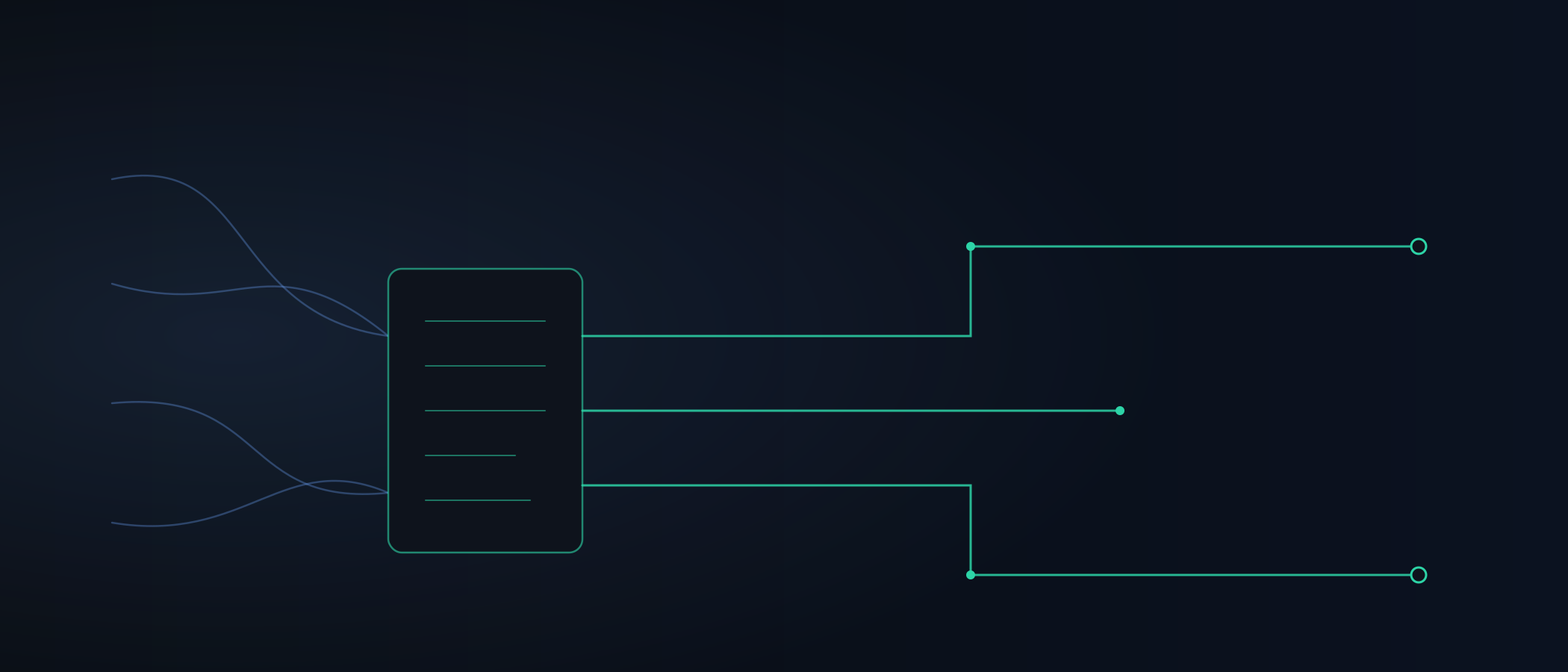
We wire the systems that don't talk to each other today: QuickBooks to the CRM, the storefront to accounting, the ERP to the shared drive. Data flows once, keyed once, and stays in sync instead of drifting apart.
Where a tool has a clean API, we use it. Where it doesn't, we've spent years building reliable connections to systems that were never meant to have them.
The repetitive processing itself: invoices and POs read and posted, records classified and routed, the Friday report generated and sent while your team is still asleep.
Deterministic work gets deterministic rules, fast, exact, and cheap to run. Where a document genuinely needs judgment to read, we bring in the AI layer, but only where it pays off, never as decoration.
Automation shouldn't mean things happen in the dark. We put review gates where judgment or money is on the line: the price variance, the low-confidence match, the exception nobody predicted. Everything routine flows through; the handful that needs a person lands in front of one, with context attached.
We document what we built, train the people who'll use it, and put the whole thing in your accounts. Support is a contract or as-needed, your call. Either way it's yours, and it keeps running whether or not we're in the picture.
If Zapier or Make solves it for a fraction of a custom build, that's our recommendation, even though we make nothing on it. We only build when you've genuinely outgrown the off-the-shelf answer.
A defined build is a fixed quote you approve before we start, and changes are quoted, never quietly billed. When a flat rate doesn't make sense, we work hourly against a cap you set, then convert to a fixed quote once the scope is known. No project that balloons past the point you'd have stopped.
The people scoping the work are the people building it. Every engineer is a US citizen working in the US, so your data and credentials never leave the country.
Code, integrations, and documentation land in your accounts from day one, built so any competent engineer can maintain them. Nothing stops working if we part ways.
Often, yes, and we'll tell you when it is. For a handful of triggers between two apps, the glue tools are cheaper than anything we'd build, and we'll point you at them rather than take your money. Where they fall down is volume, branching logic, error handling, and anything touching a system without a clean API. When a Zap has grown into forty steps nobody dares edit, or it silently drops records at month-end, you've outgrown it. That's the line where custom automation earns its cost.
For a defined build (a QuickBooks-to-CRM sync, an invoice-processing pipeline) it's a fixed quote, given after the free intro call and locked before we start. We don't publish a number because those two jobs aren't the same size. When a flat rate doesn't make sense, because the scope is still being discovered or the work is genuinely exploratory, we work hourly against a cap you set and convert to a fixed quote once the ground is known. Ongoing support runs as a retainer sized to your operation. What you never get is open-ended billing: you approve the number, and changes are quoted, not absorbed into a surprise invoice.
That's the point. We automate into QuickBooks, NetSuite, Salesforce, your ERP, your inbox, the shared drive, whatever runs the work today. We don't ask you to rip out working systems and migrate to something we prefer. If a tool genuinely can't be connected, we'll tell you that on the call instead of after the invoice.
Then we fix the process description first, on paper, before we automate anything. Half of what looks like a messy workflow is really an undocumented one: three exceptions in someone's head, a rule that changed last spring. We map it with the person who runs it, agree on what the real rules are, and automate the version everyone can defend. If a step still needs human judgment, we leave a human in it.
You do. The code, the credentials, the documentation, all in your accounts and your name from day one. It's built so any competent engineer can pick it up, not just us. We can support it on a contract or as-needed, but you're never locked in, and nothing stops running if you walk away.
Thirty minutes over Google Meet, no prep. Walk us through the work your team keys by hand and we'll tell you what's worth automating, what a glue tool would handle for less, and what we'd tackle first.
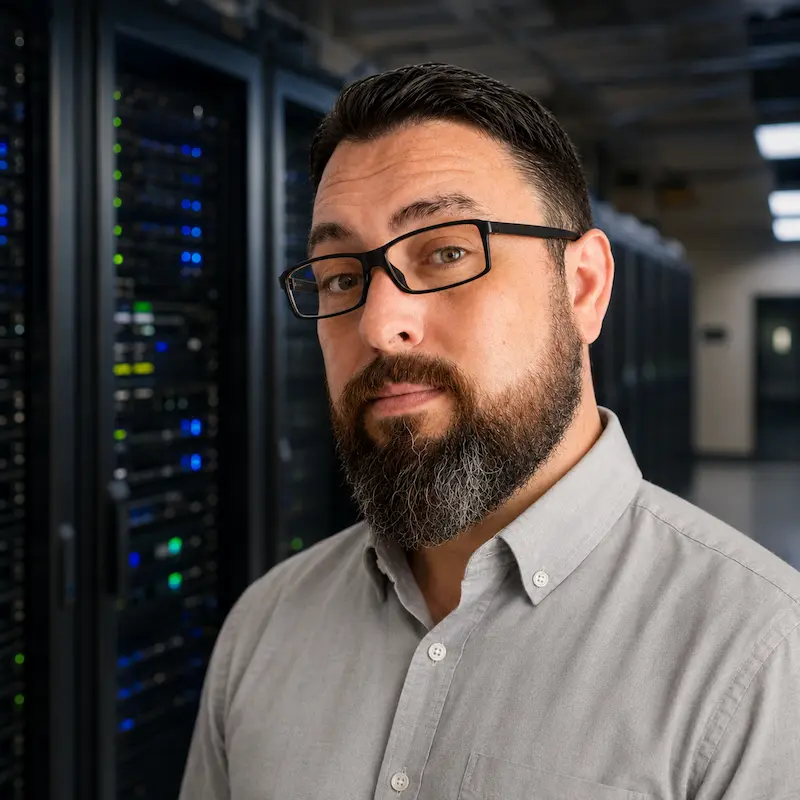
Book straight onto Chris's calendar. No sales rep and nothing to prepare: you talk with the engineer who would actually scope the work.